
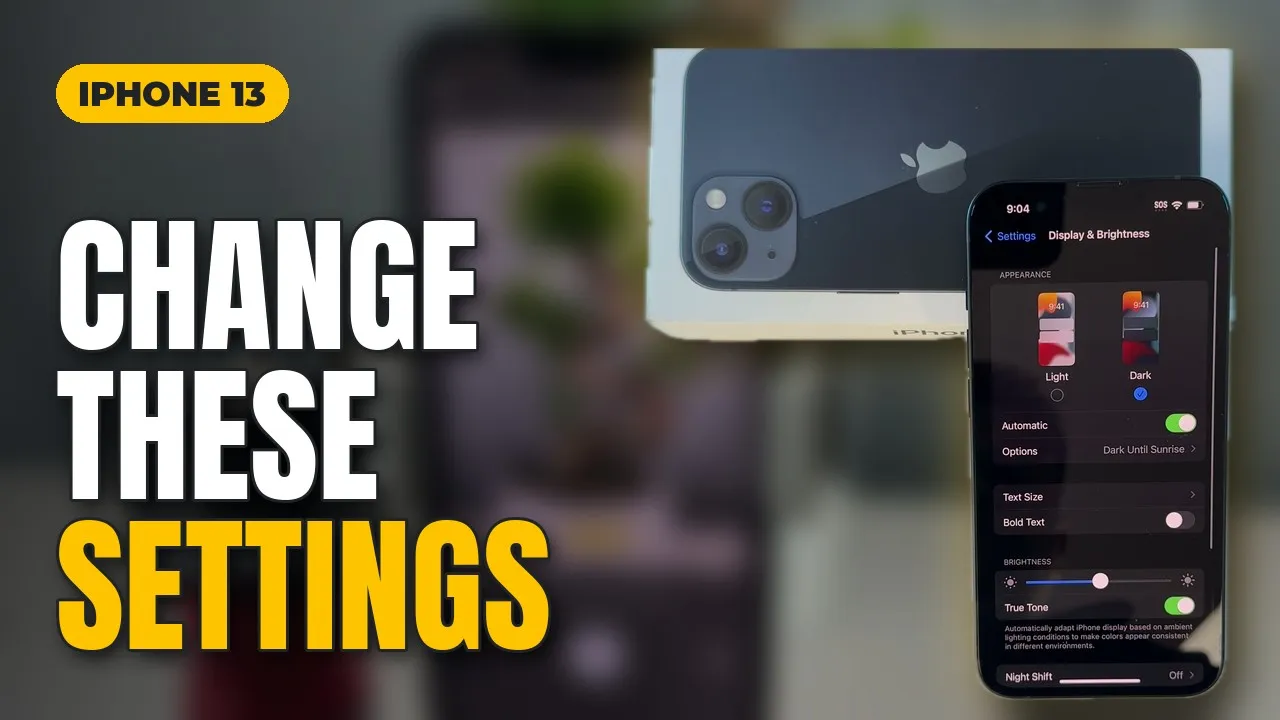
iPhone 13 After One Year: Best Settings to Change + Camera Tips
One year with the iPhone 13 (upgraded from an iPhone X): the settings I recommend changing (Auto-Lock, Control Center on the lock screen, Erase Data, battery health and Optimized Charging, Location Services, Focus modes), iCloud and AirDrop, then my camera settings for 4K at 60 fps, Photographic Styles, focus and exposure, Cinematic mode and sample shots. My take: from an iPhone 12, don't upgrade.
- After
- One year
- Video setting
- 4K at 60 fps
- Verdict
- From an iPhone 12, don't upgrade
Round by round
Parts and tools
As an Amazon Associate I earn from qualifying purchases.
- Belkin BoostCharge PRO 3-in-1 MagSafe charger (paid link)