
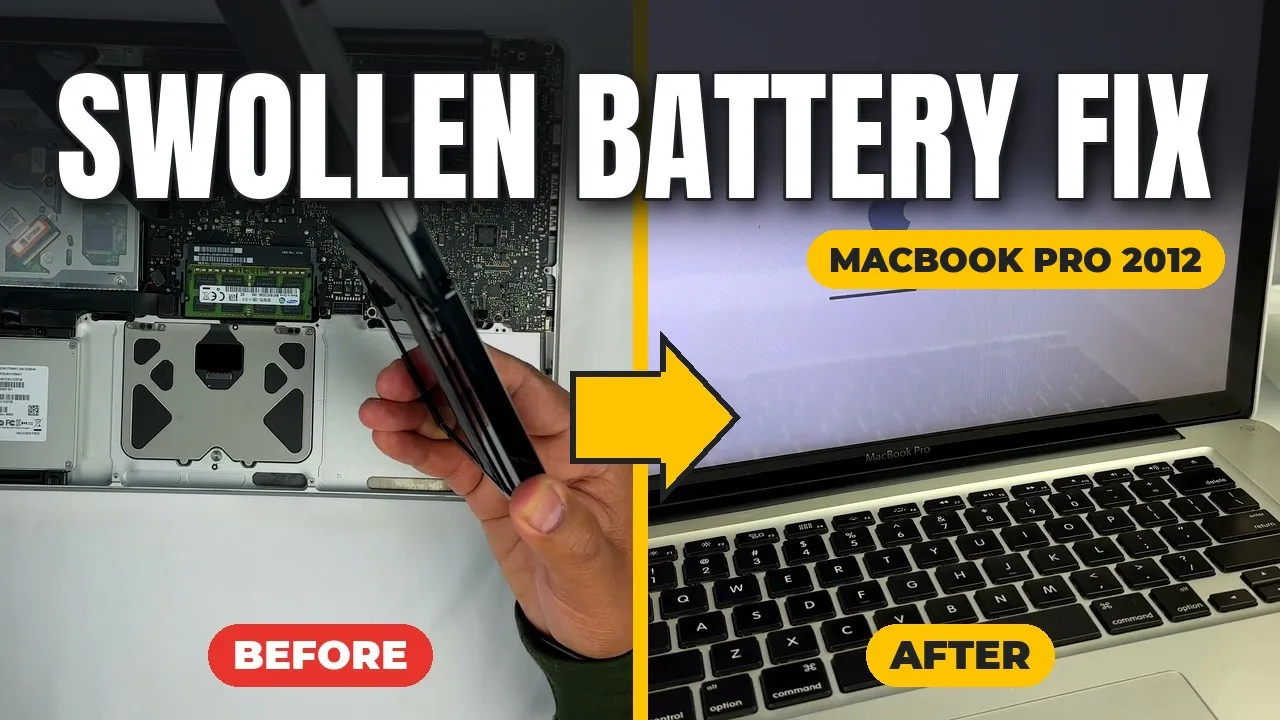
MacBook Pro 2012 Battery Replacement (15-inch): Swollen Battery Fix
How I replaced the swollen battery in my 2012 15-inch MacBook Pro, step by step: bottom case off (10 screws), disconnect the battery, clean out the dust, remove the old battery and its adhesive, install the new one, then power on and calibrate. A lifting trackpad or a bulging case are warning signs: replace the battery promptly.
- Model
- 2012 MacBook Pro, 15-inch
- Bottom case
- 10 screws
- Warning signs
- A lifting trackpad, a bulging case
Round by round
Safety first
A swollen lithium-ion battery can catch fire if it's punctured or bent. Disconnect it first, never pry on the cells, and recycle the old battery properly. Repair at your own risk.